Admin UI
The web admin interface is served at /ui/ on the same port as the API. Opening the root URL redirects there automatically:
http://localhost:8080/
Dashboard
The dashboard gives a live snapshot of the registry — event counts by status and a recent activity feed showing the last 10 audit entries.
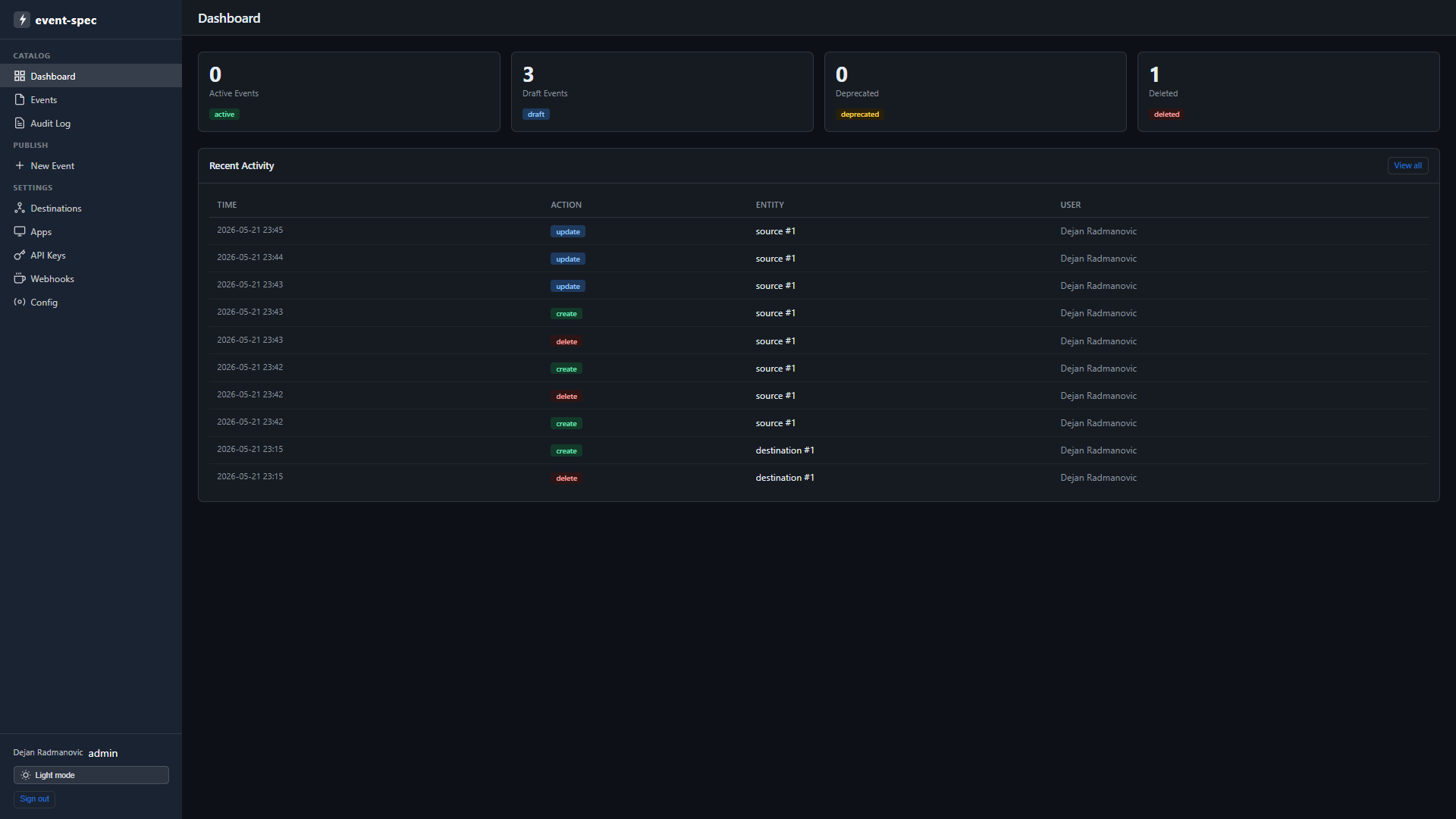
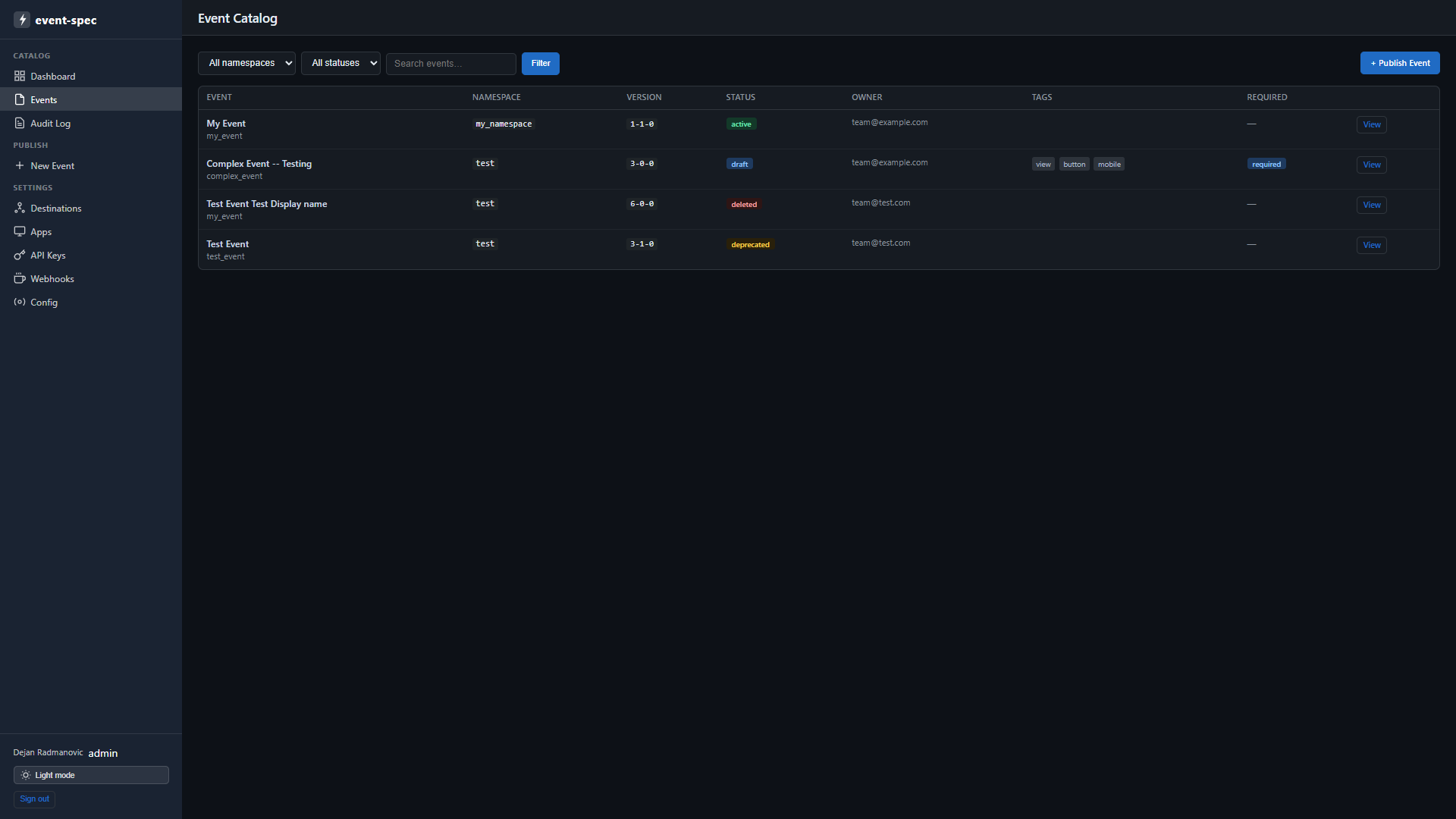
Event catalog
Browse all published event specs. Filter by namespace, status, or free-text search. Each row shows the display name, machine name, namespace, latest version, status badge, owner, tags, and whether it is marked required.
Clicking an event opens the detail view: full property table with types, required flags, enum constraints, and descriptions; version history with diff links; delivery config (sampling rate, priority, strategy); destination overrides; and context properties.
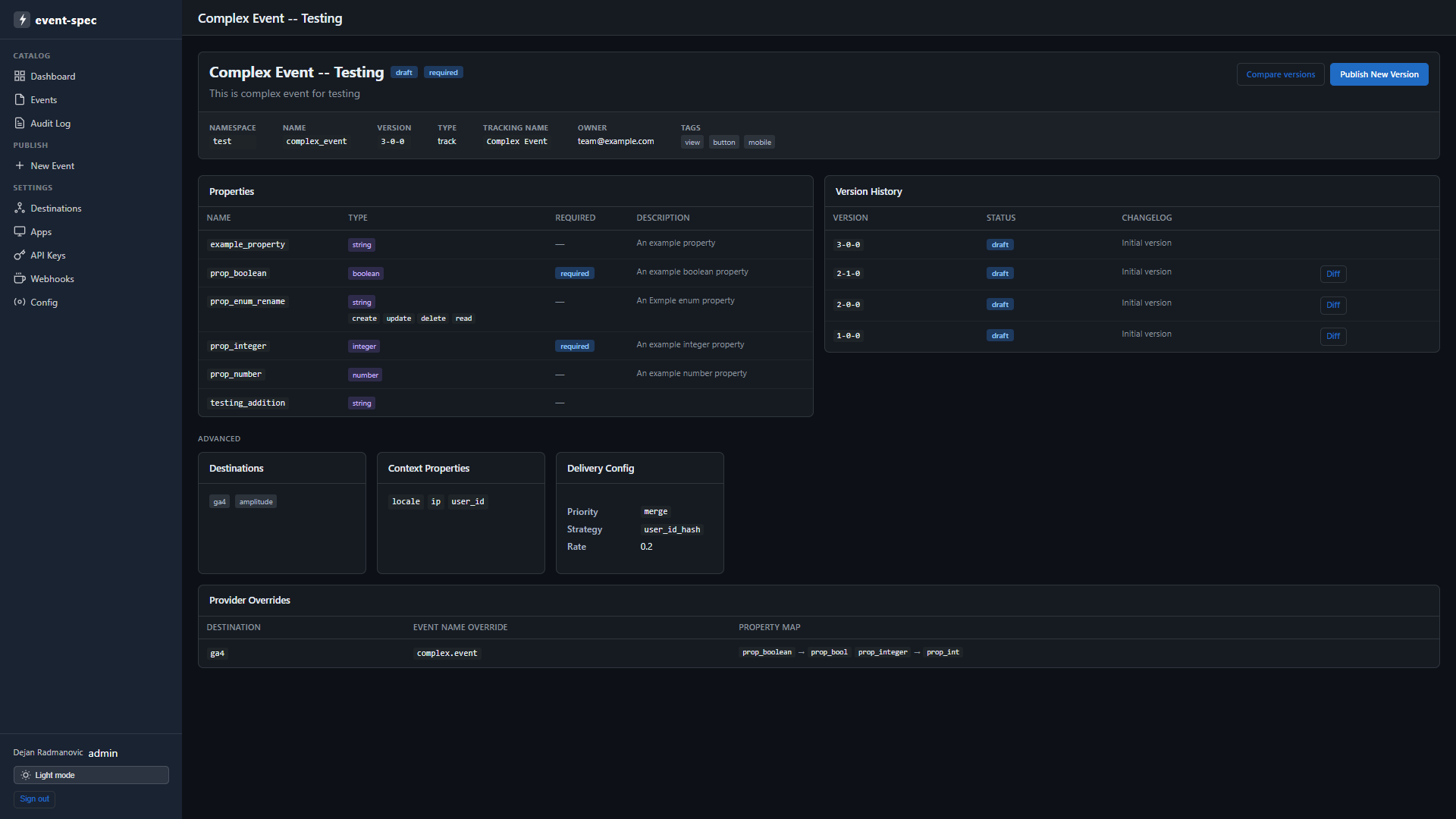
Publishing events
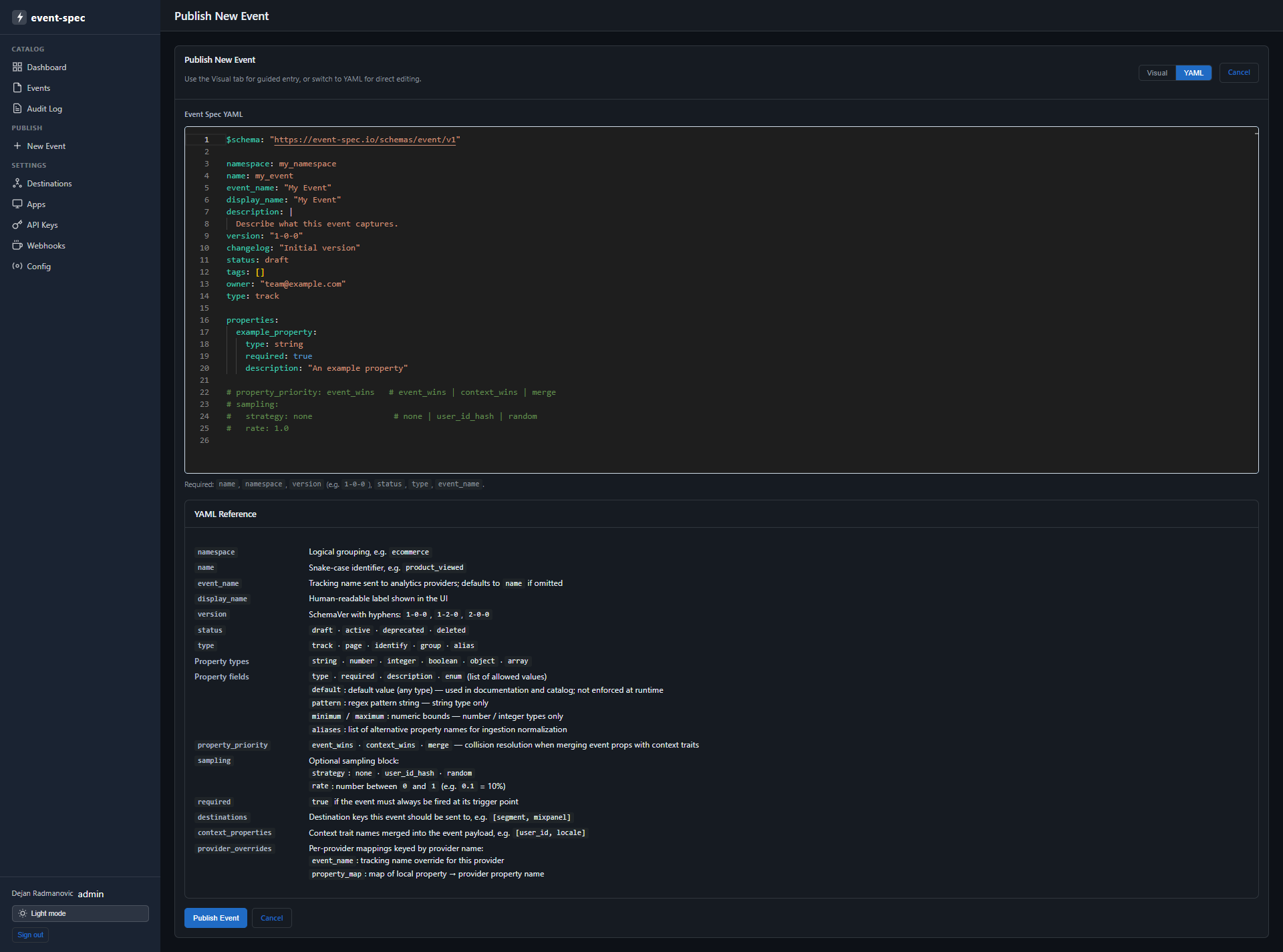
Use + Publish Event (top-right in the catalog) to create a new event spec. A structured form guides you through all required fields:
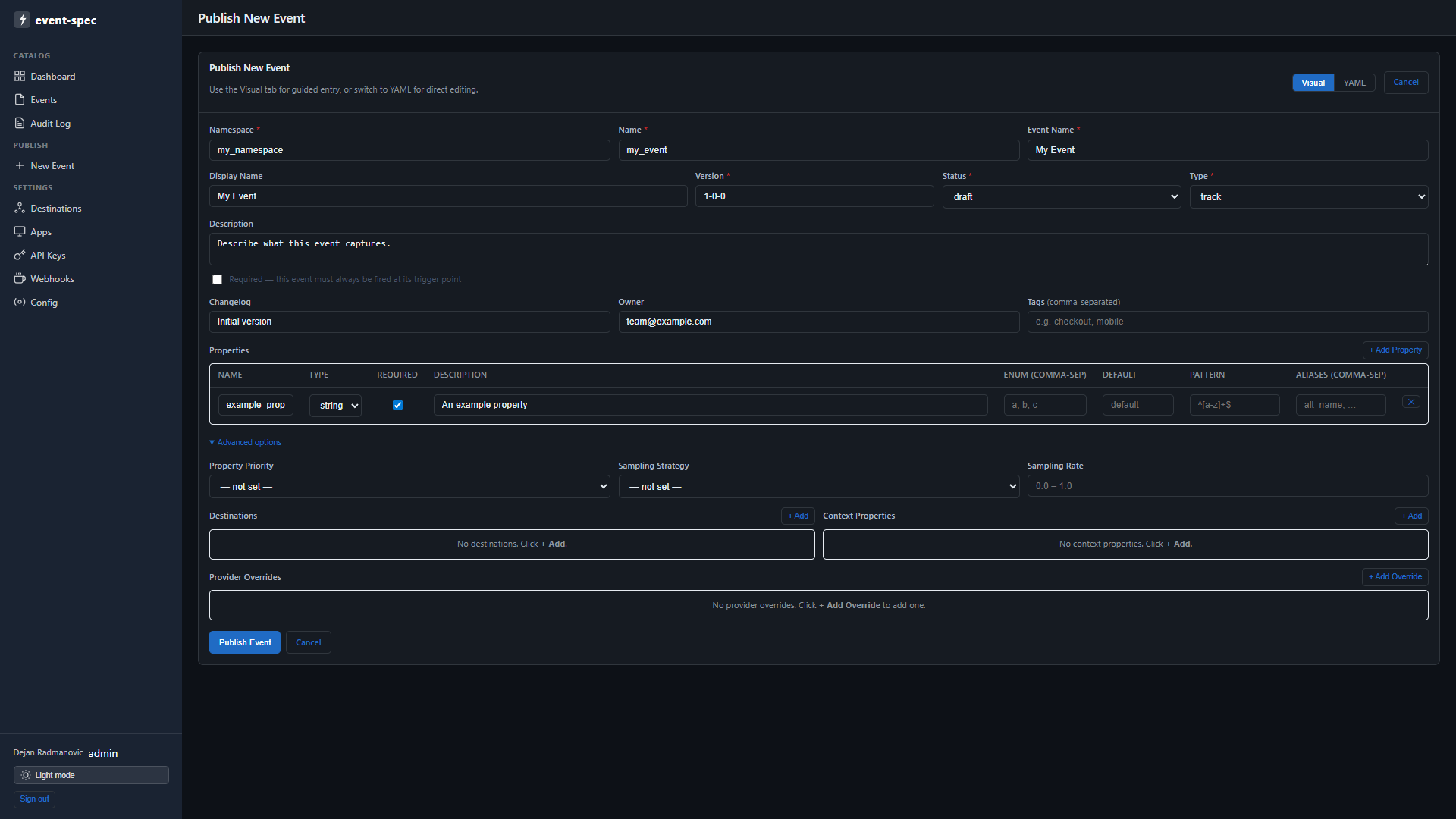
A raw YAML editor is also available for direct editing with live syntax validation:
Diffing versions
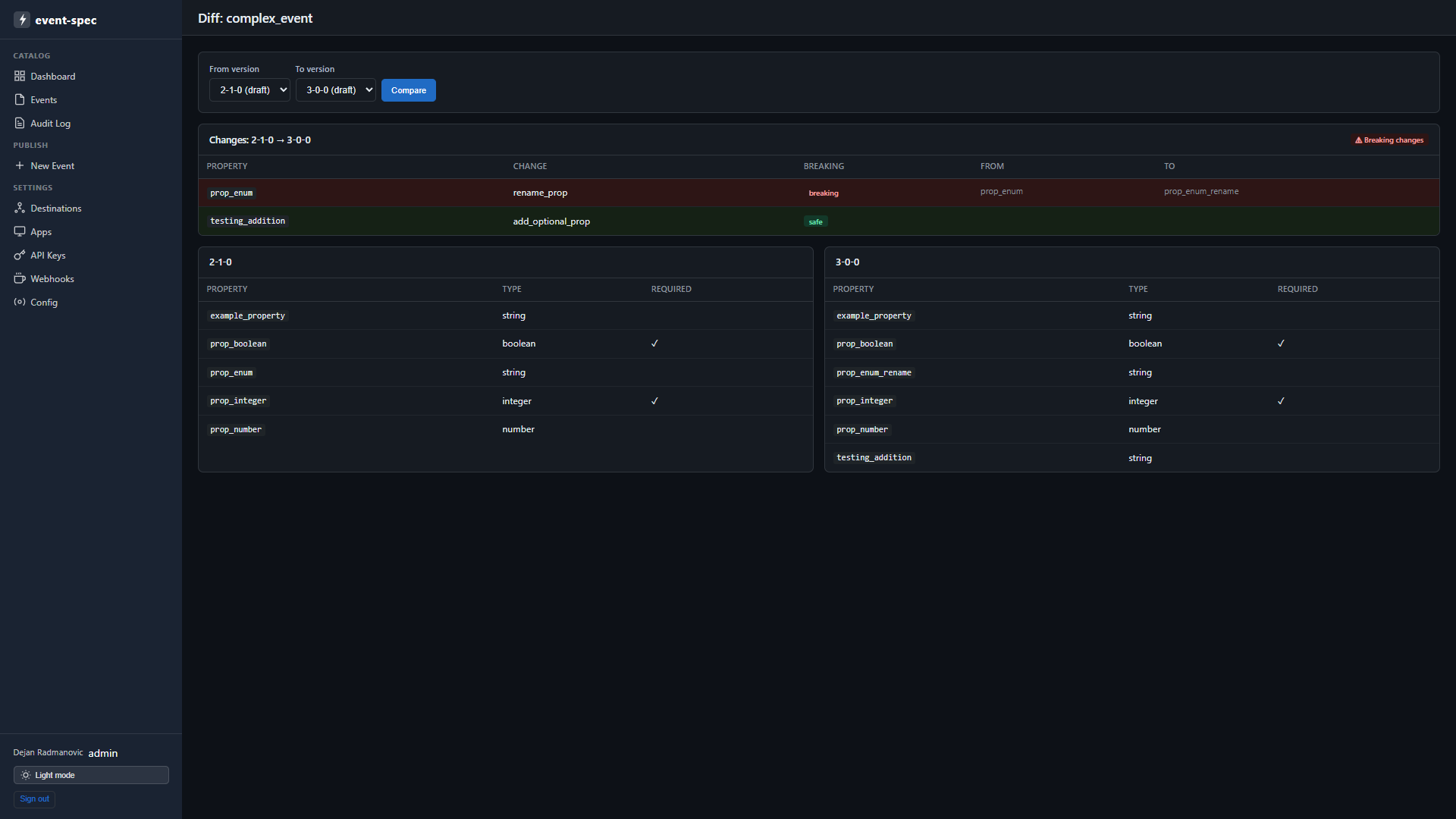
Click Diff next to any version in the version history to compare it against another version. Breaking changes are highlighted in red; additions in green.
Audit log
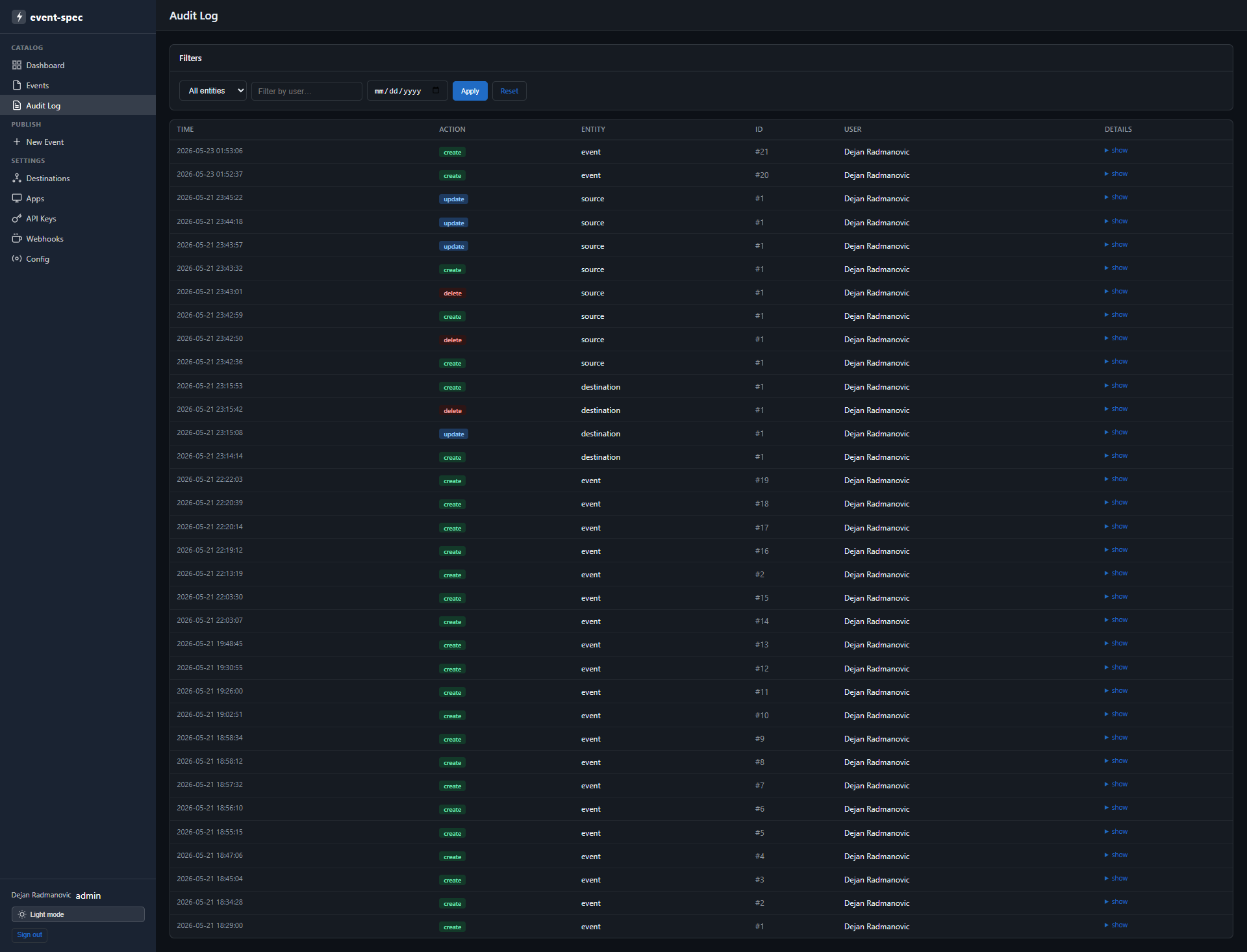
A chronological log of every mutating operation — event publishes, key creations, source and destination changes. Filterable by time range, entity type, and user.
Destinations
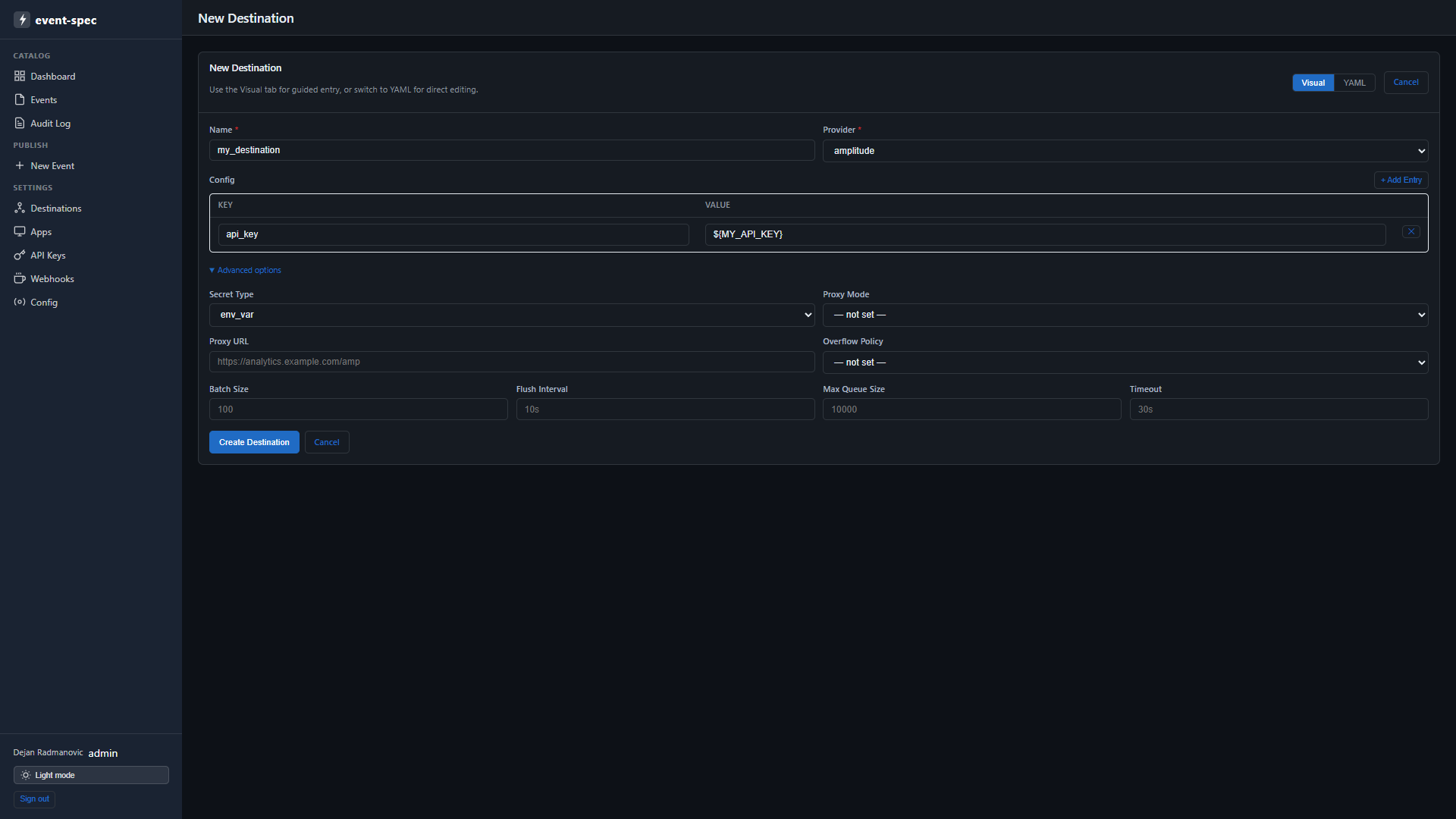
Create, view, edit, and delete analytics provider destinations. Each row shows the destination name, provider type, and number of config keys set.
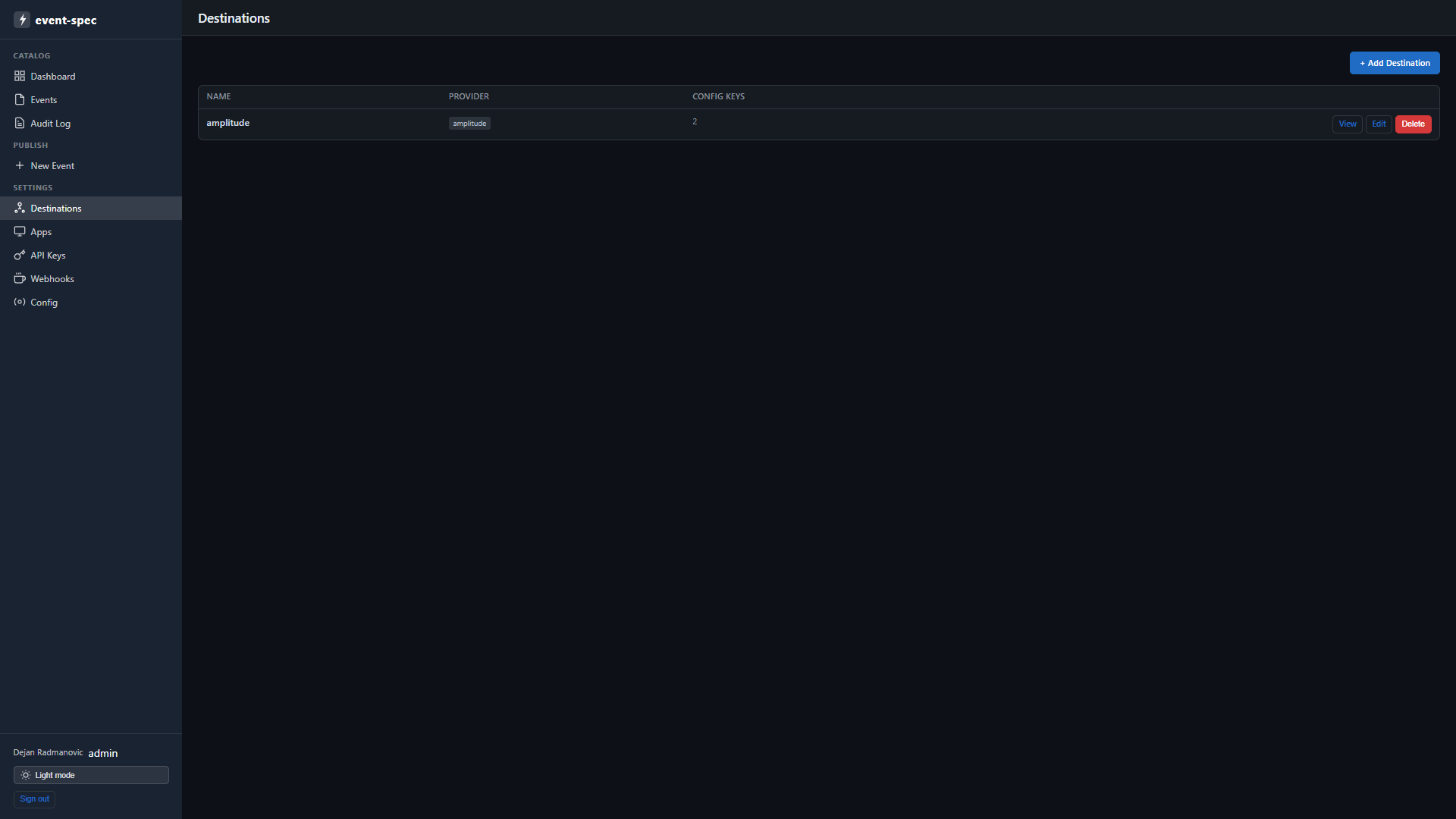
Use + Add Destination to register a new provider. Provider-specific config fields are shown as a structured YAML editor:
Apps
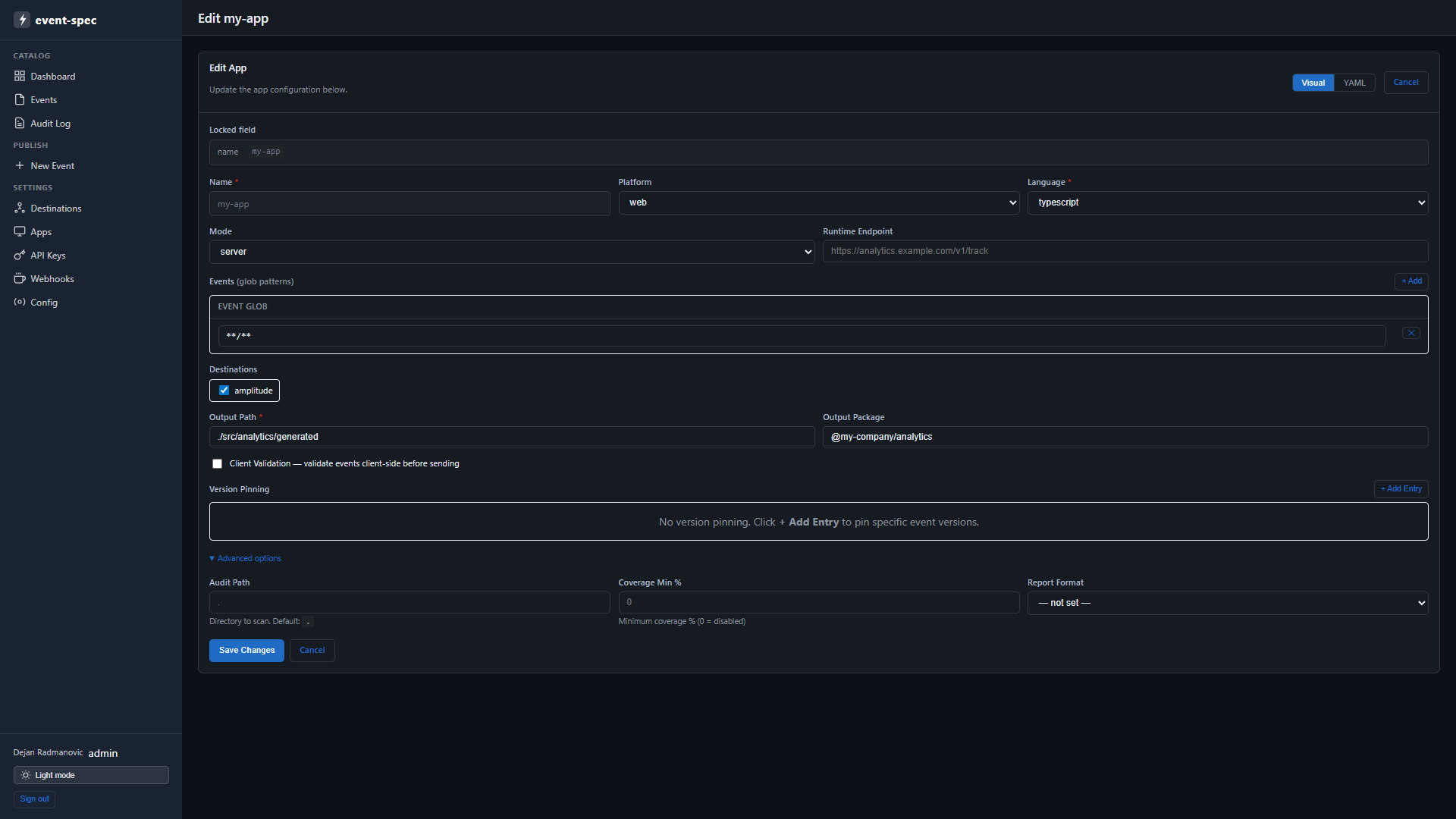
Register and manage app sources. Each app declares its platform, language, registry mode, and the destinations it routes events to.
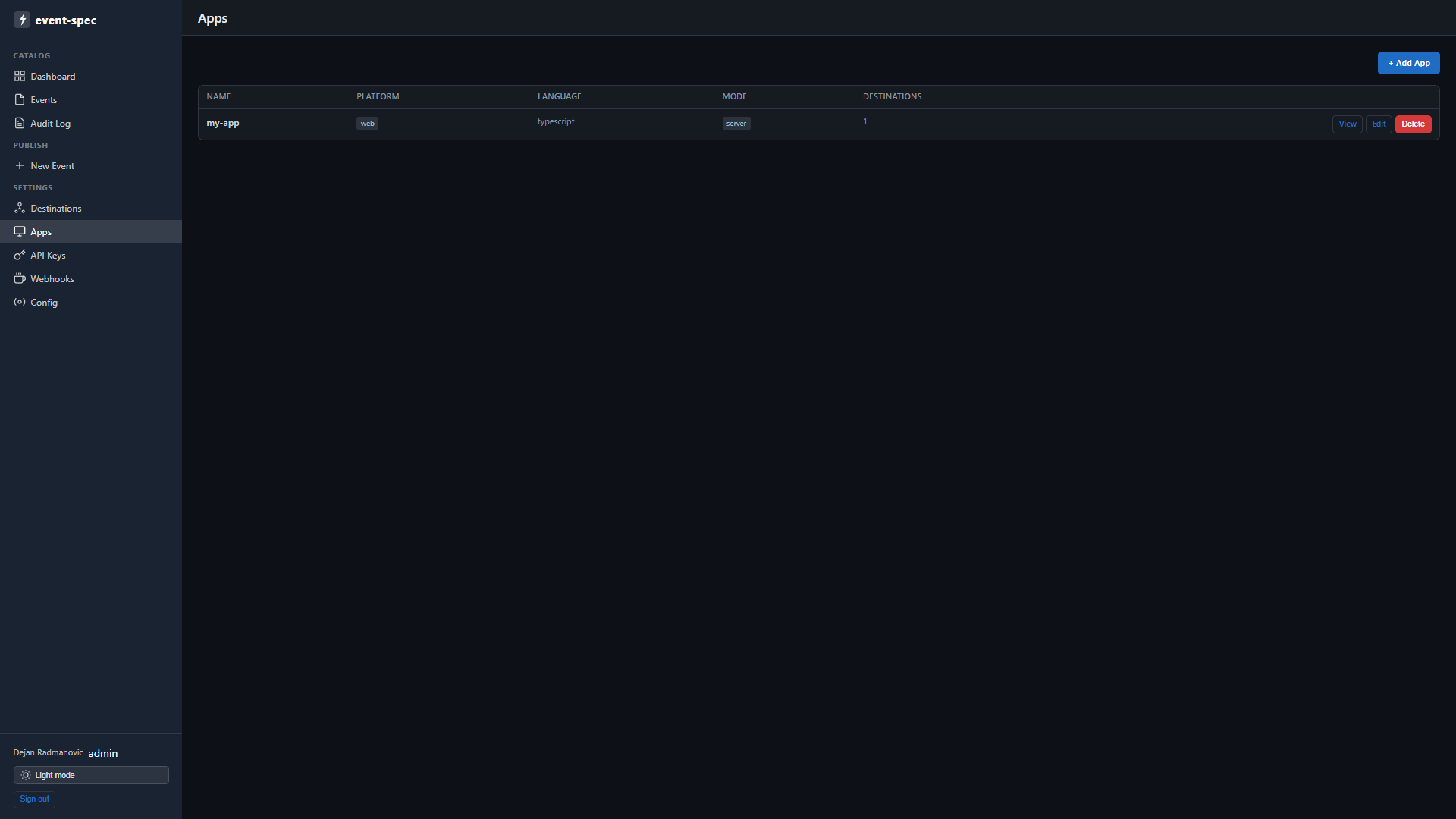
Use + Add App to register a new source:
API Keys
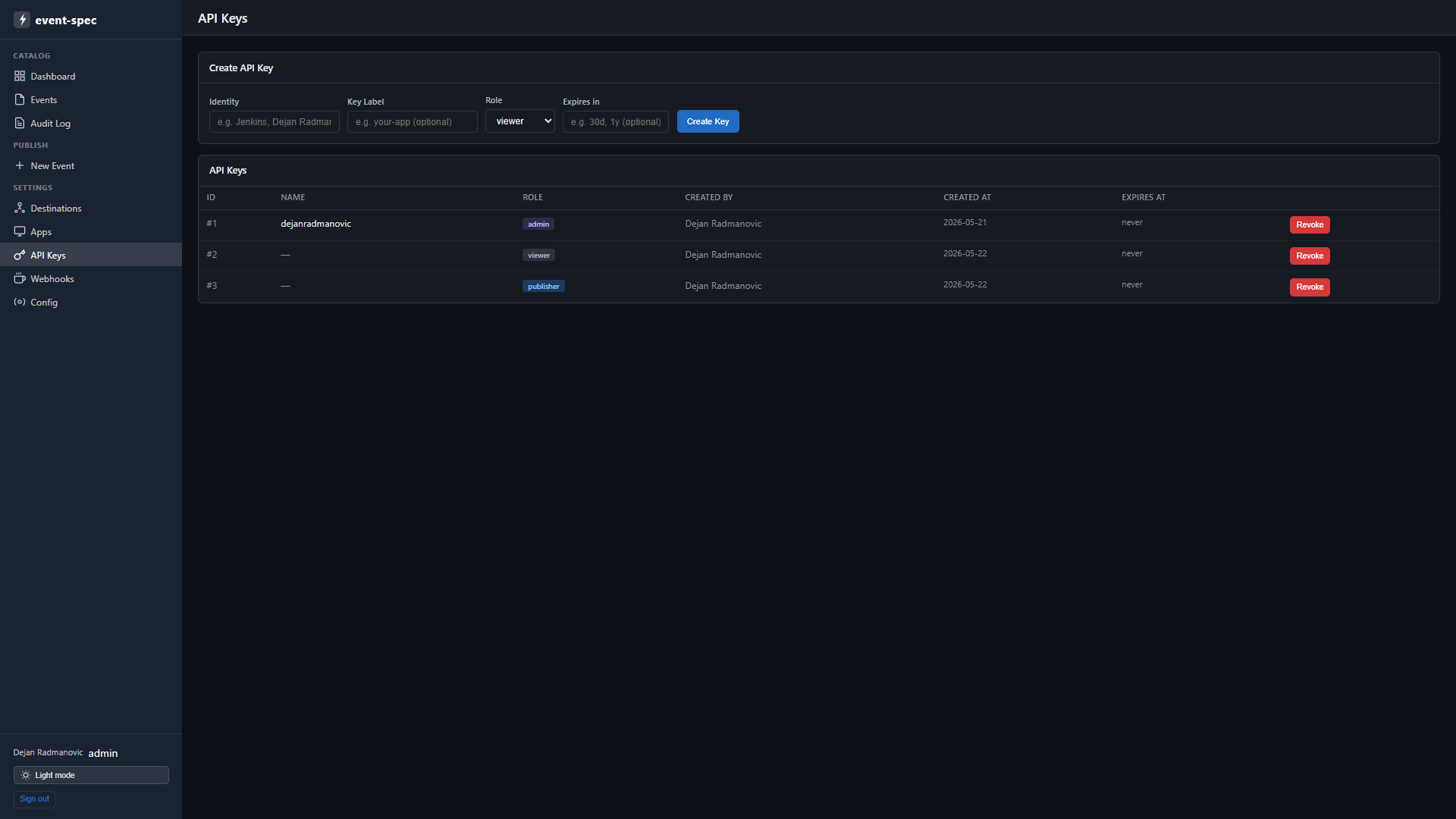
Create and revoke API keys. The inline form lets you set an identity, label, role, and optional expiry. Raw key values are displayed once on creation and never stored.
Status page
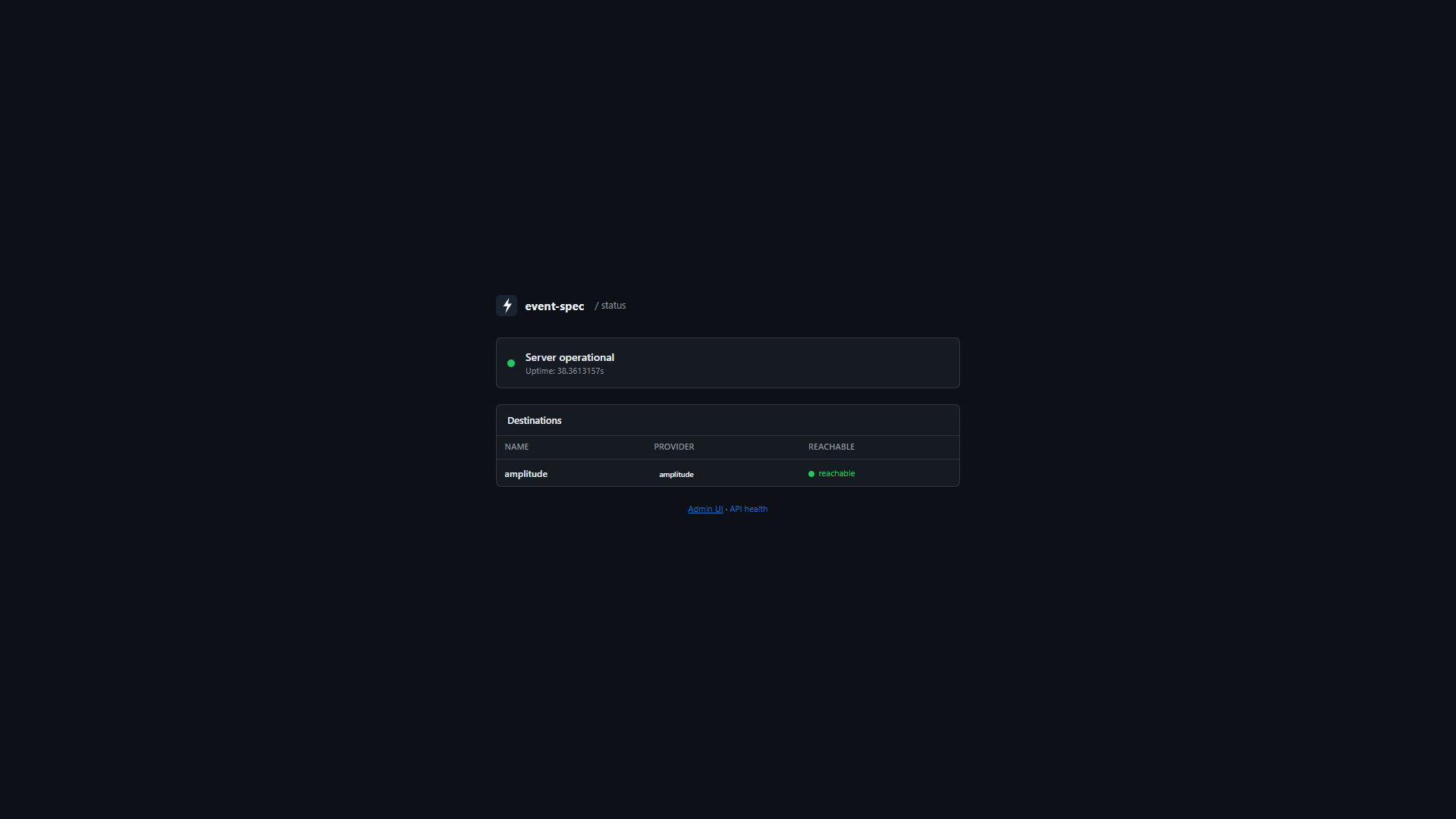
A public status page at /status (no authentication required) shows server uptime and the live reachability of every configured destination. Safe to bookmark or link from a runbook.
See also
event-spec admin— CLI alternative for all admin operations- Authentication — API key roles required for admin operations